
Collaborating
Nest encourages you to collaborate with your team members to make joint decisions and communicate effectively during the exercise. Any chat messages between you and other team members are not recorded to create a safe space in which to learn.
to start a chat
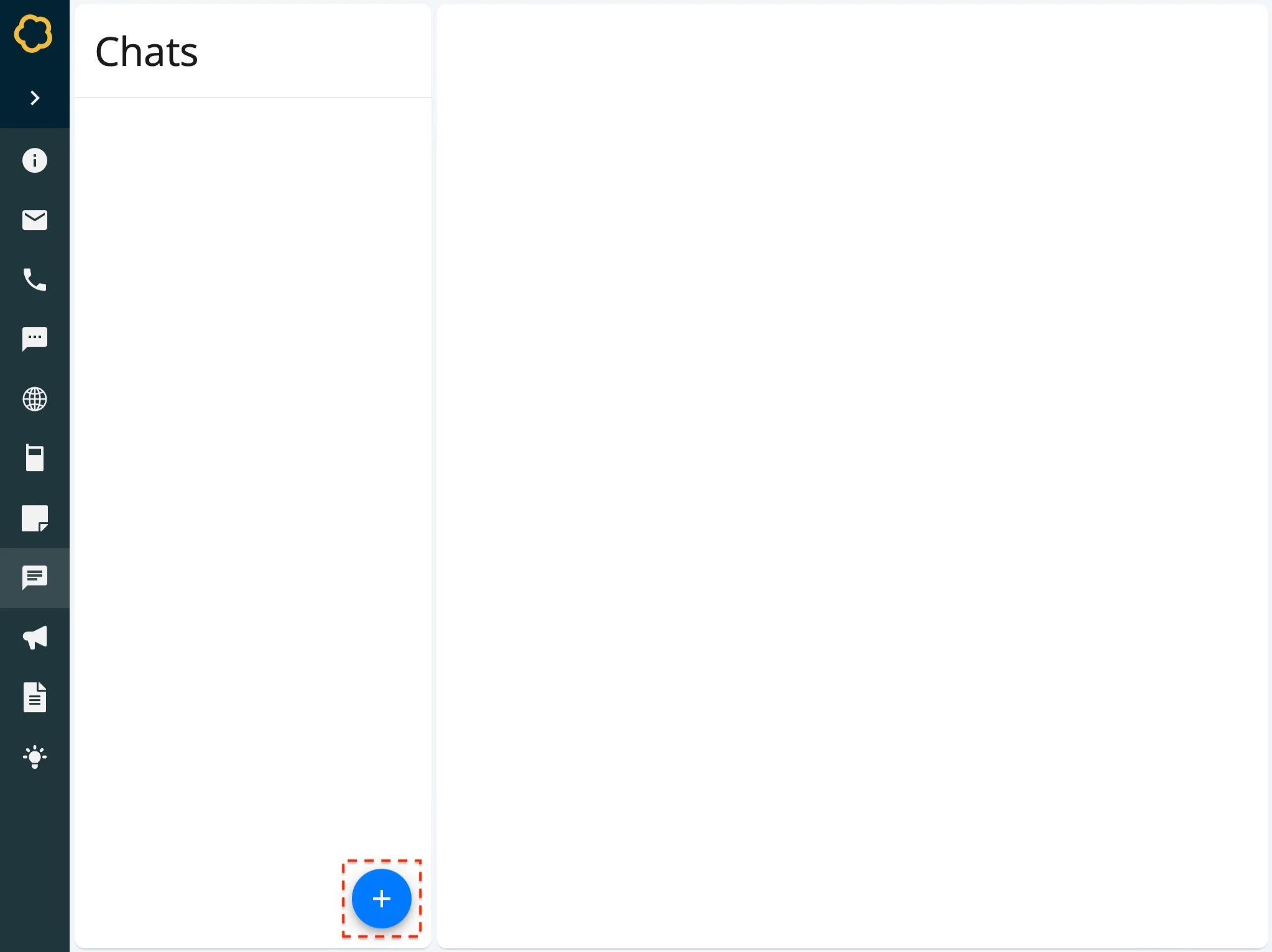
Navigate to the Chat page.
Select Create.
On the Chat Form, enter information for this chat:
Member Roles - The roles you want to start a chat with. You can choose one or multiple roles. For example, Police Officer.
Select Confirm.
The chat is created and listed on the Chat page.
to send a chat message
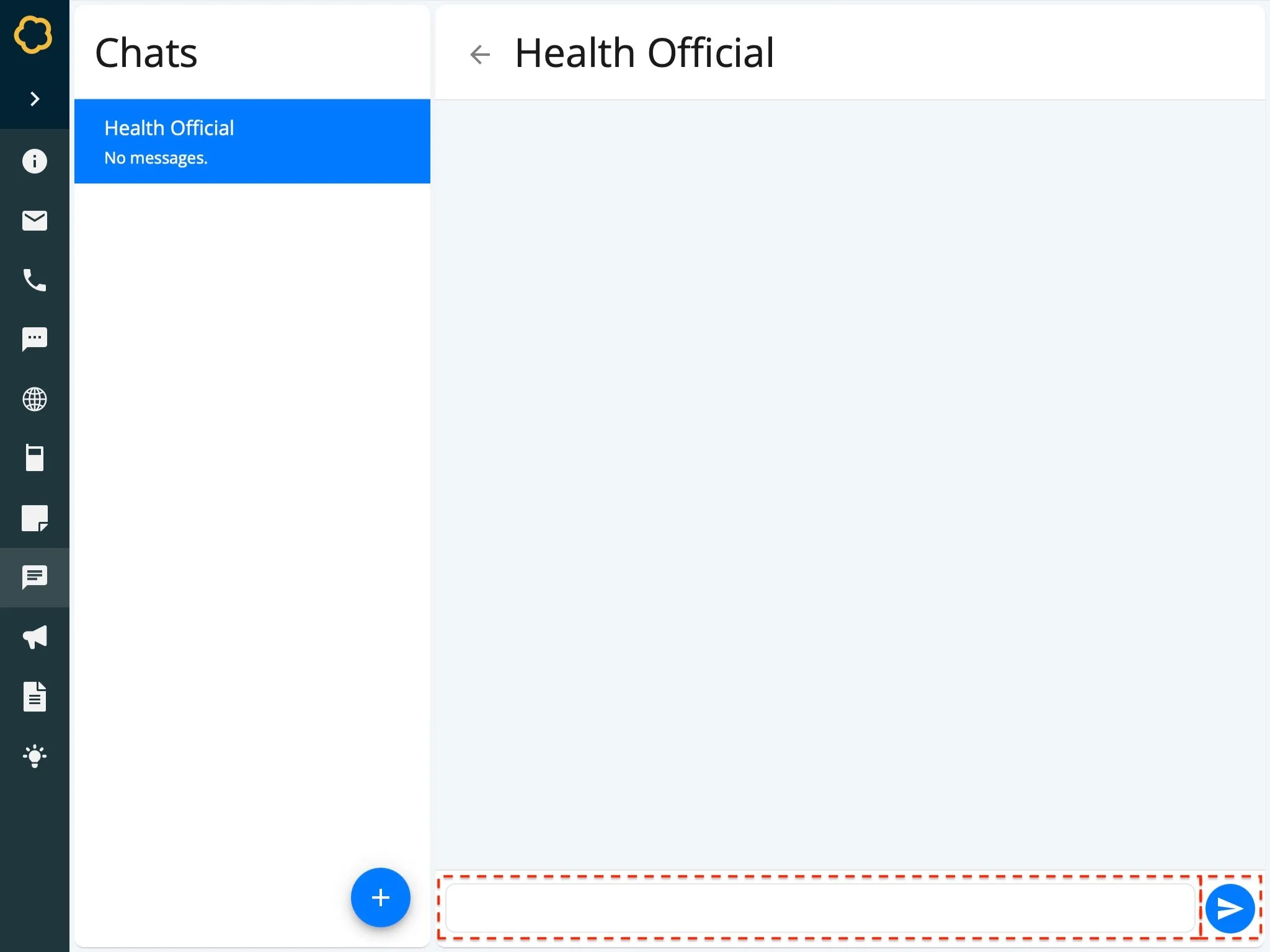
Navigate to the Chat page.
Select the chat you want to send a message in.
Enter your message in the input box.
Select Send.
The message is sent to all roles in the chat.
To submit an idea
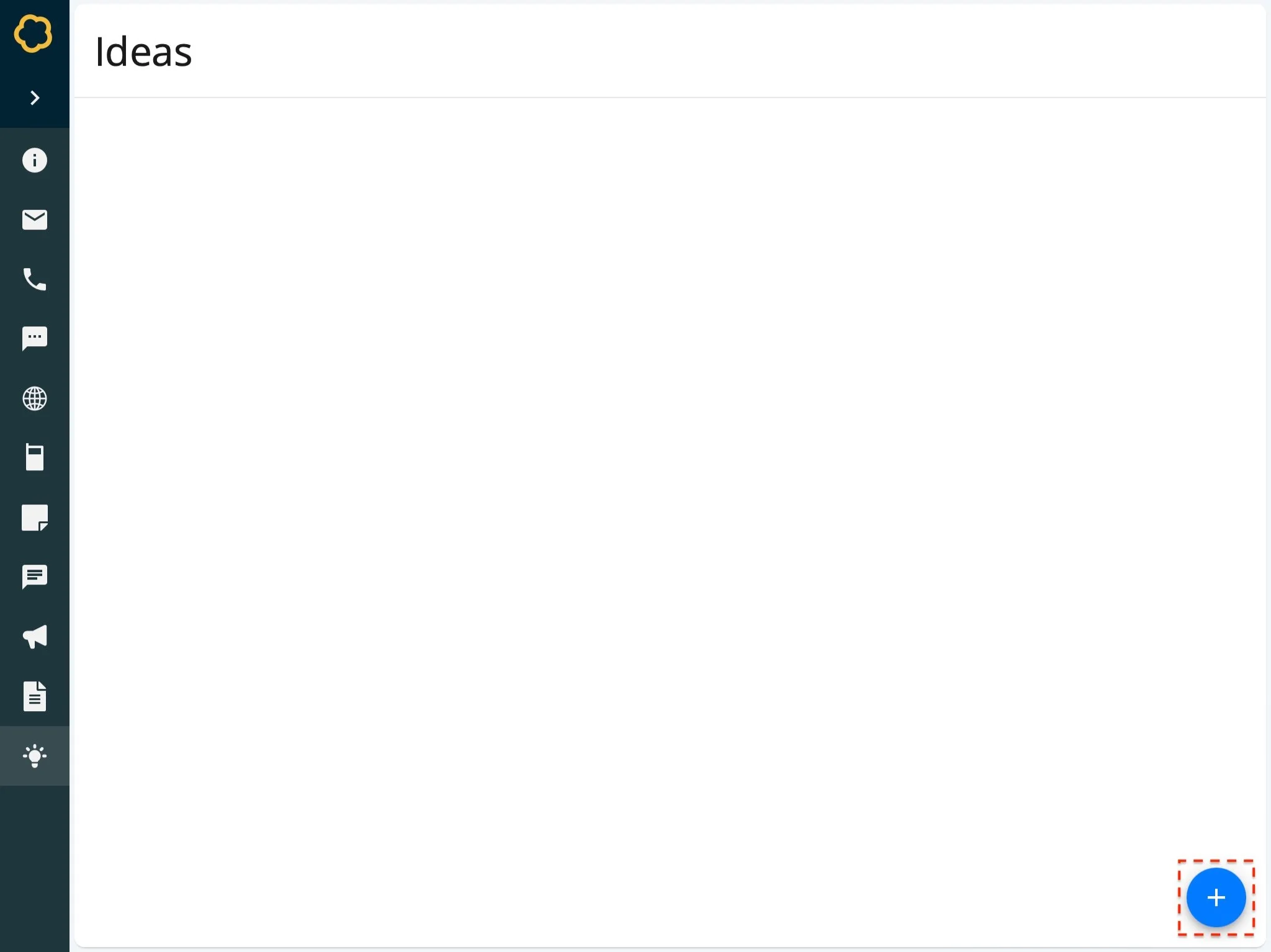
Nest provides you with a space to jot down ideas or innovations relating to your work that you would like to record during the exercise. These will appear in your end of exercise report for you to review and share.
Navigate to the Ideas page.
Select Create.
On the Idea Form, enter the idea you wish to submit. For example, We don’t yet have a clear map that we can share…
Select Confirm.
The idea is submitted and listed on the Ideas page.
to update an idea
Navigate to the Ideas page.
Select the idea you wish to update.
On the Idea Form, change the details as required.
Select Confirm.
The idea is updated.
to delete an idea
Navigate to the Ideas page.
Select the idea you wish to delete.
On the Idea Form, select Delete.
The idea is deleted.