
Documents
During any exercise, participants may need to have access to documents such as maps, diagrams, and standard operating procedures.
Opening a document will display the file in a new tab on participants’ browsers. To return to the exercise, participants must either close or change tabs.
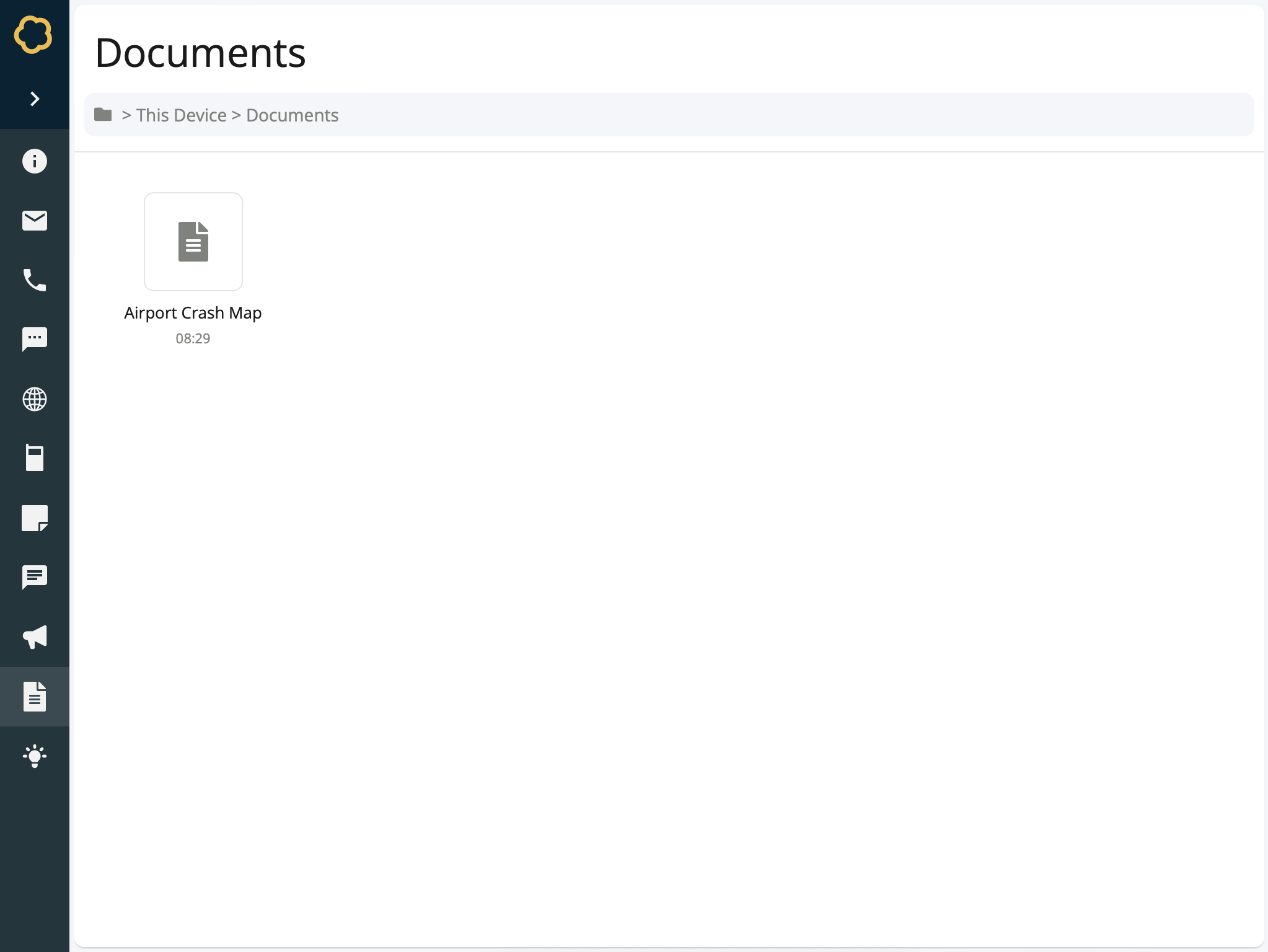
Participant view of a document inject
To Create a Document
Add a Document inject to your timeline and setup its basic details. Learn about creating injects.
On the Document Details form, enter information for this document:
Display Name - The name of the document. For example, Airport Crash Map.
File - The document itself. This must be uploaded into Nest. Currently only images and PDF documents are supported.
Select Confirm.
The document inject is created and added to the timeline.