

Walkie Talkie Transmissions
Organisations frequently rely upon walkie talkie messages to receive updates as to what is actually happening on the ground. Walkie talkie messages are typically one-to-one, and tend to use callsigns rather than names.
After the transmission has been received, a summary of the message will automatically appear in participants’ radio log for subsequent review.
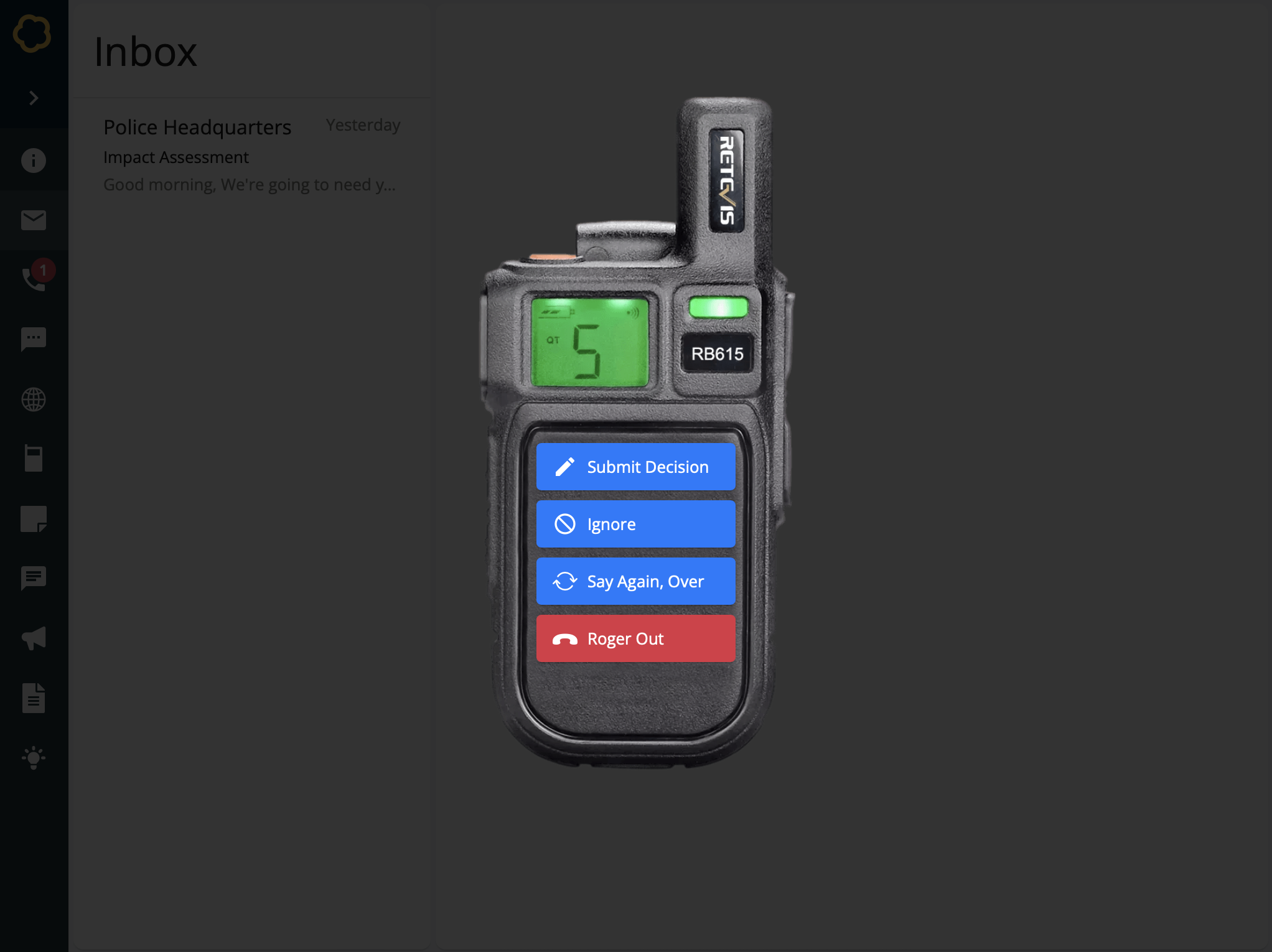
Participant view of a walkie talkie inject
To Create a Walkie talkie transmission
Add a Walkie Talkie inject to your timeline and setup its basic details. Learn about creating injects.
On the Walkie Talkie Details form, enter information for this walkie talkie transmission:
Callsign - The identity of the person radioing in. This could be their name or callsign. For example, K-20.
Radio Distortion - Choose whether to add realistic radio distortion to your audio.
Log Entry - A brief summary describing the content of the message, as if it had been logged in a radio log. For example, Fire now under control, but callsign lacking resources…
Walkie Talkie Audio - Either pre-record your audio message and upload it as an MP3 file, or record directly into Nest by using the microphone built into your device. Learn more about recording audio in Nest.
Select Confirm.
The walkie talkie inject is created and added to the timeline.