

Telephone Calls
During any scenario, there will likely be many phone calls. Some of them expected, and some unexpected. Nest allows you to create realistic telephone calls with a wide range of background sounds to add to their authenticity.
After the telephone call has been received, the recordings will automatically appear in participants’ voicemail inbox for subsequent review.
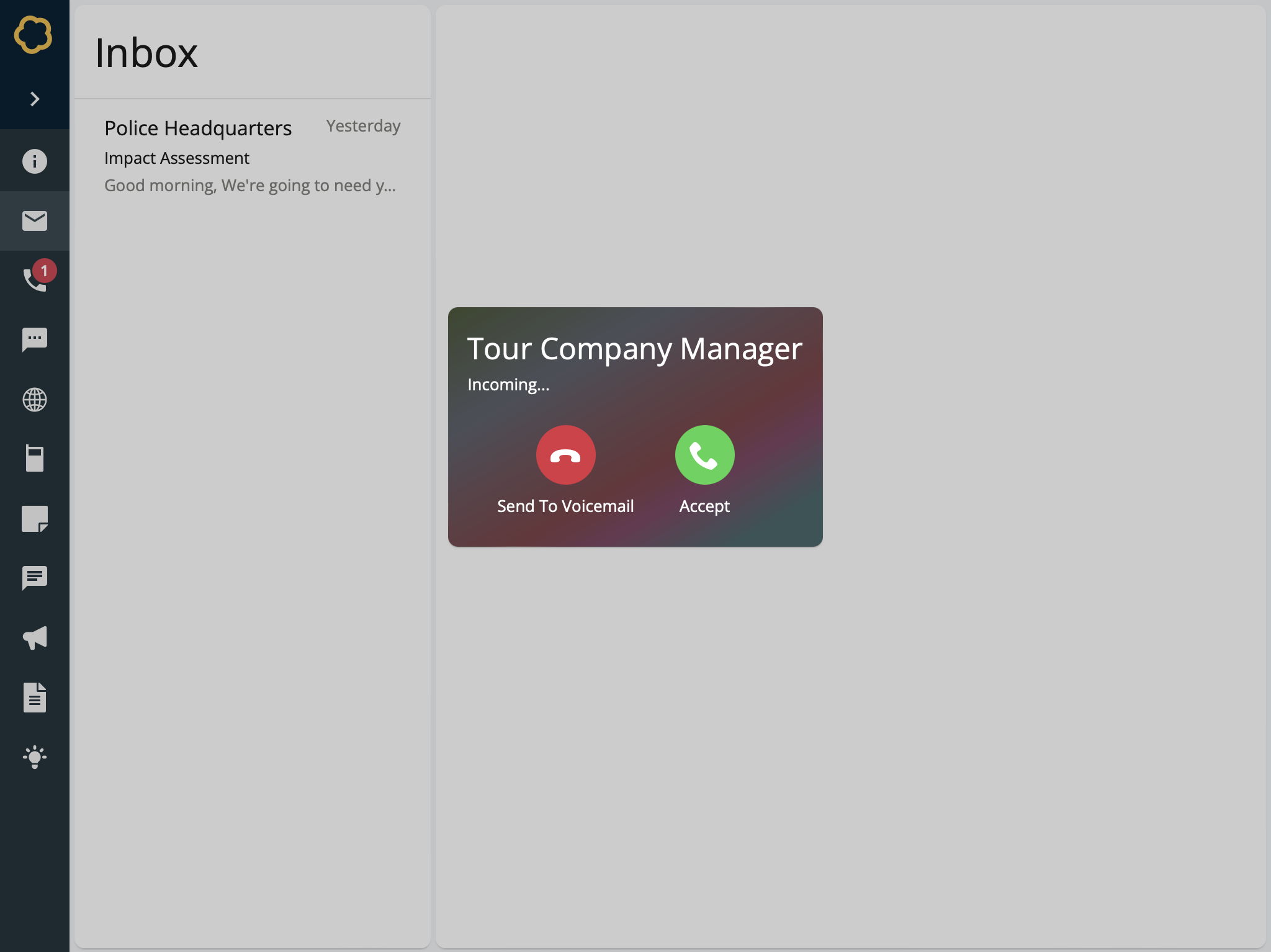
Participant view of a telephone call inject
To Create a telephone call
Add a Telephone Call inject to your timeline and setup its basic details. Learn about creating injects.
On the Telephone Call Details form, enter information for this telephone call:
Caller Display Name - The display name of the person calling. For example, Tour Company Manager.
Phone Distortion - Choose whether to add realistic phone distortion to your audio.
Phone Call Audio - Either pre-record your audio message and upload it as an MP3 file, or record directly into Nest by using the microphone built into your device. Learn more about recording audio in Nest.
Select Confirm.
The telephone call inject is created and added to the timeline.