

Time Jumps
It is common for exercise authors to explore different phases of a scenario. Nest gives you the ability to embed time jumps into your exercise timeline. This allows you to skip forward in time, whilst also clearly alerting your participants that this is happening and adjusting their exercise clocks accordingly.
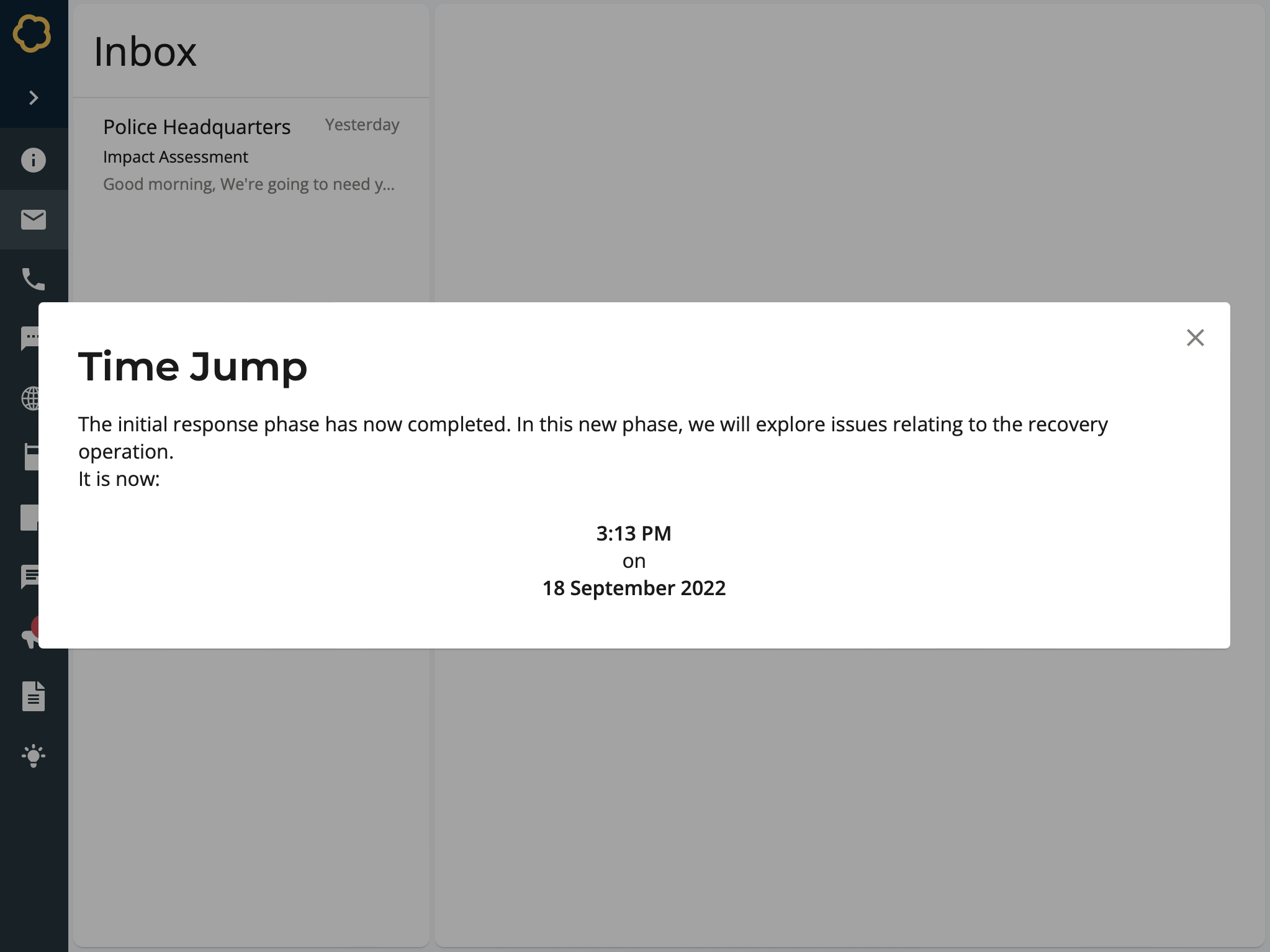
Participant view of a time jump inject
To Create a time jump
Add a Time Jump inject to your timeline and setup its basic details. Learn about creating injects.
On the Time Jump Details form, enter information for this time jump:
Days - The number of days to move forward in time. For example, 1.
Hours - The number of hours to move forward in time. For example, 6.
Minutes - The number of minutes to move forward in time. For example, 30.
Message - An accompanying explanatory message. For example, The initial response phase has now completed…
Select Confirm.
The time jump inject is created and added to the timeline.